A simpler, safer phone for your parents.
SafeHome turns any Android phone into big, clear buttons: just the people and apps they need, with SOS and scam-call protection built in.
- No ads
- No account
- Works offline
- Family PIN
Smartphones weren't made for our parents.
Tiny icons, endless menus and a steady stream of scam calls. You get the worried phone call, often from hundreds of kilometres away.
One wrong swipe and the screen they knew is gone.
Fraud callers target older people every single day.
In an emergency, every second spent searching counts.
Everything they need. Nothing they don't.
You set it up once in a few minutes. They get a calm, high-contrast home screen that always stays the same.
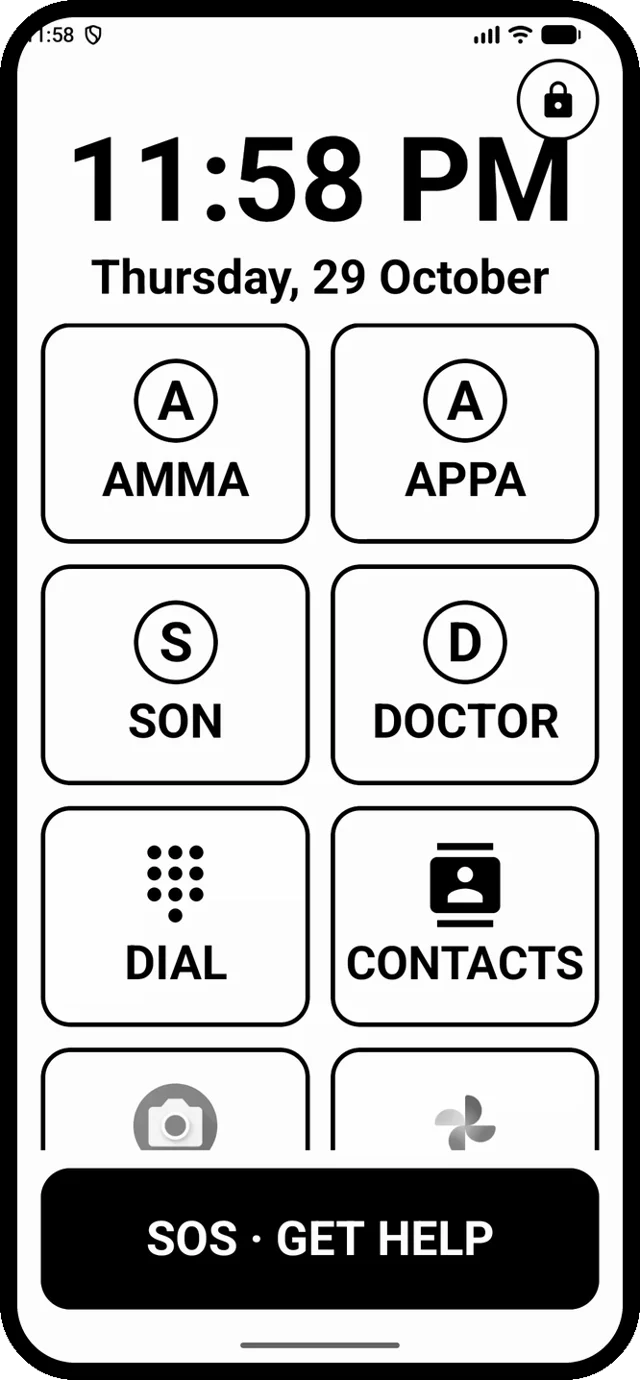
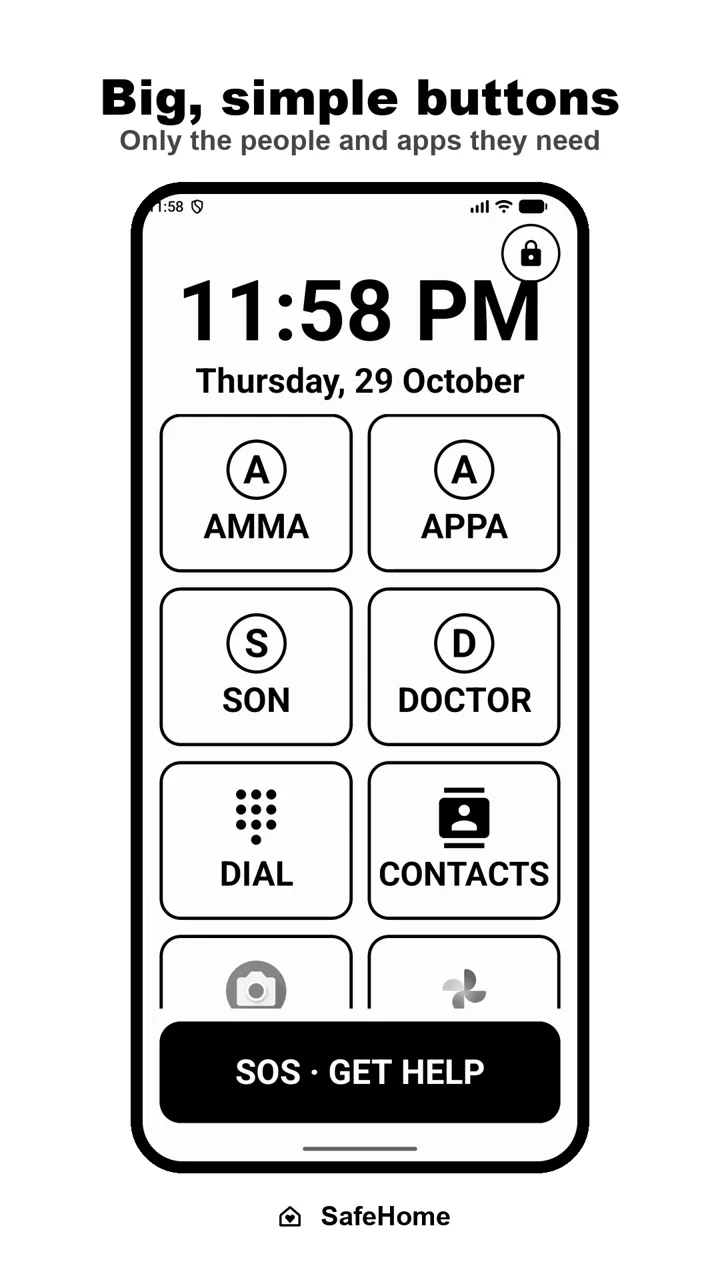
Big, simple buttons
Large tiles with names and photos for family. Only the apps you approve. Big clock, big text, within easy reach of the thumb.
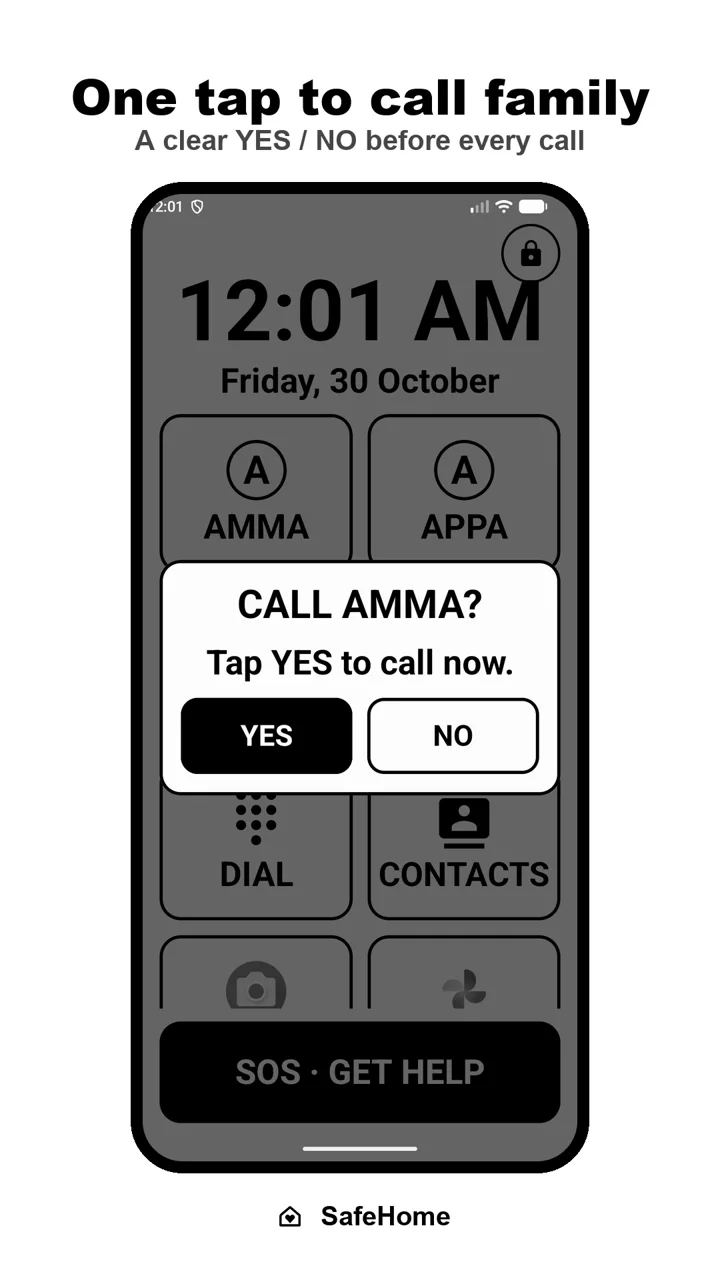
One tap to call family
Tap a face and confirm with a clear YES or NO. A big dial pad and a simple contact list are there too.
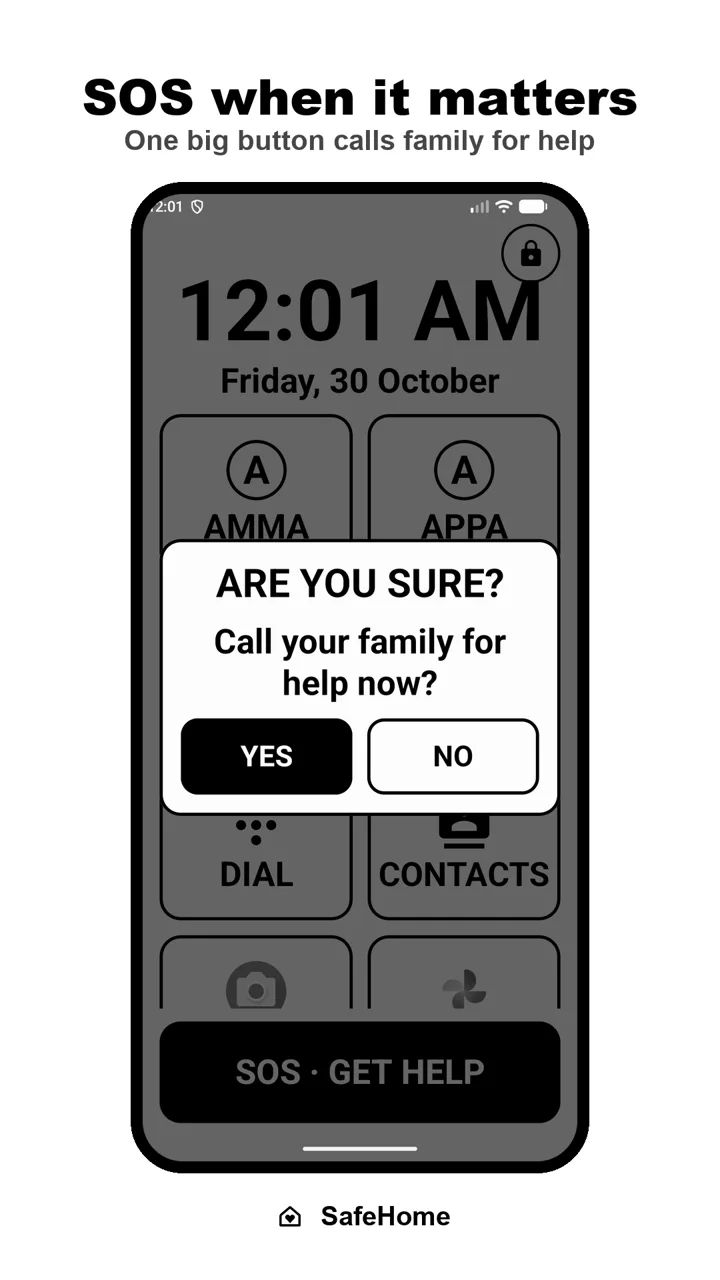
SOS when it matters
One big button calls family for help, with an "Are you sure?" check so it never goes off by accident.
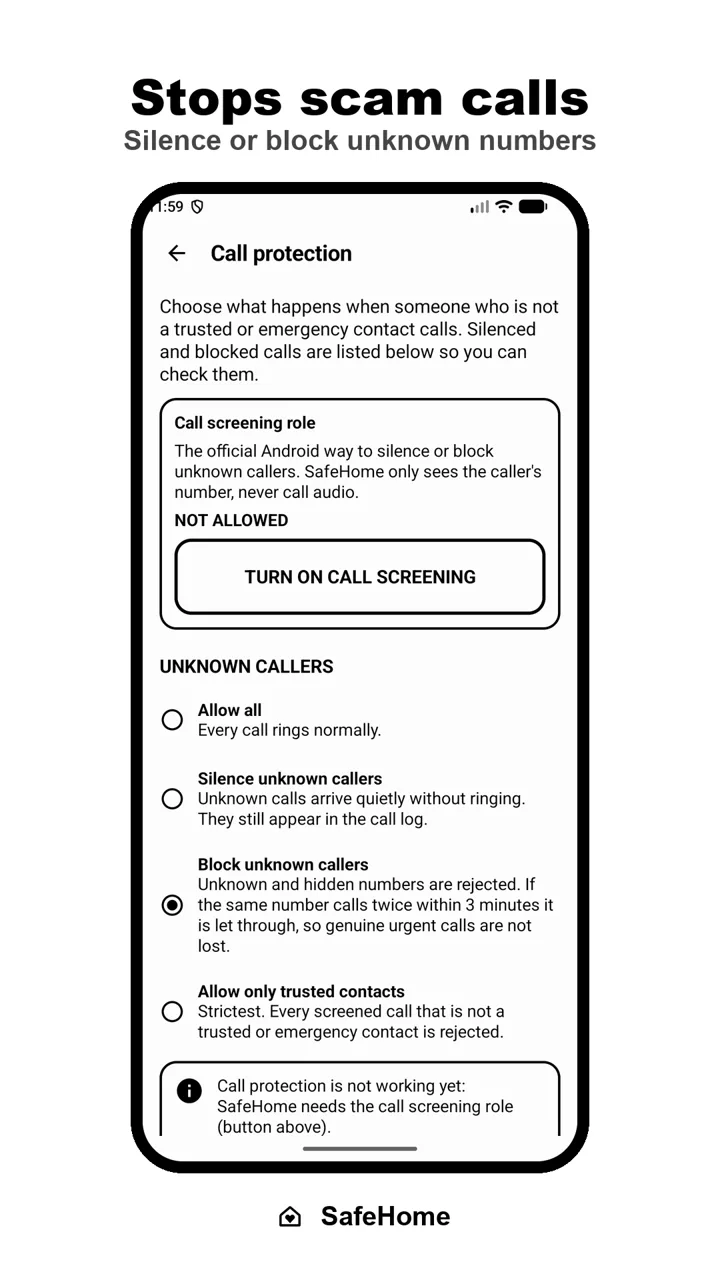
Stops scam calls
Silence or block unknown numbers, or allow only trusted contacts. A genuine caller who rings twice in 3 minutes still gets through.
OTP & notification shield
One-time passwords stay hidden until they choose to see them, with a clear warning. Notifications from unapproved apps disappear.
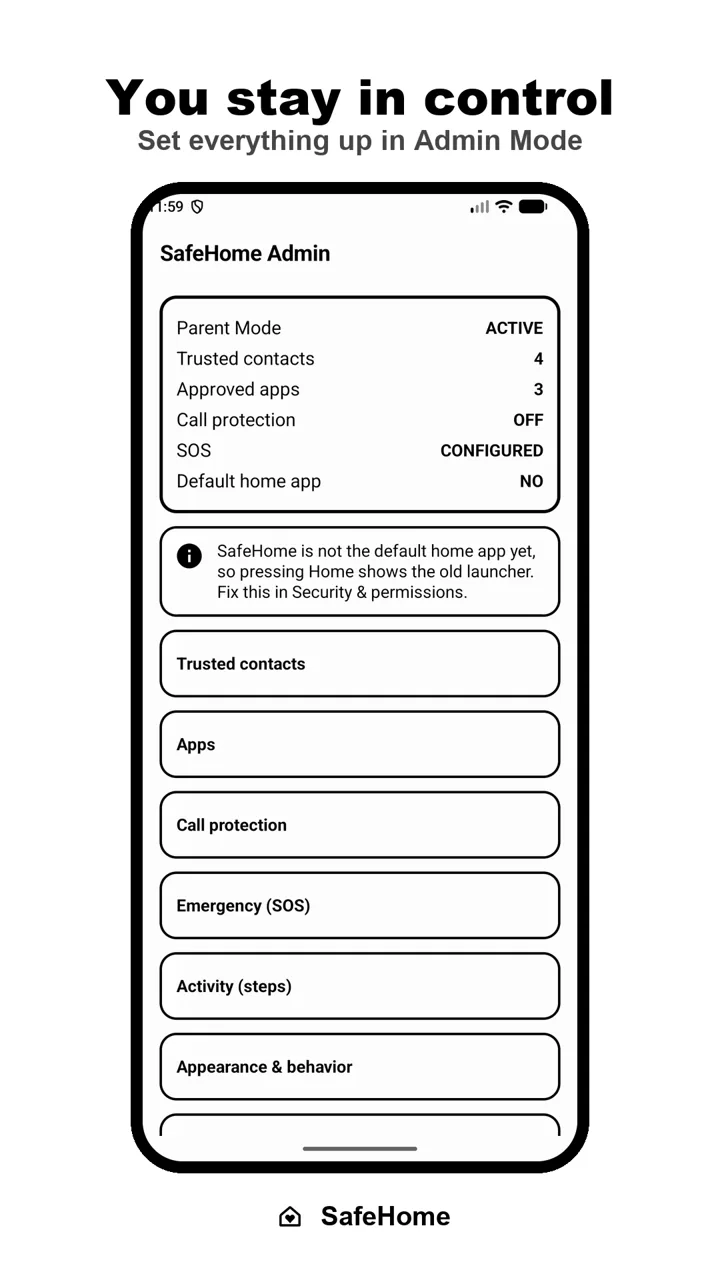
You stay in control
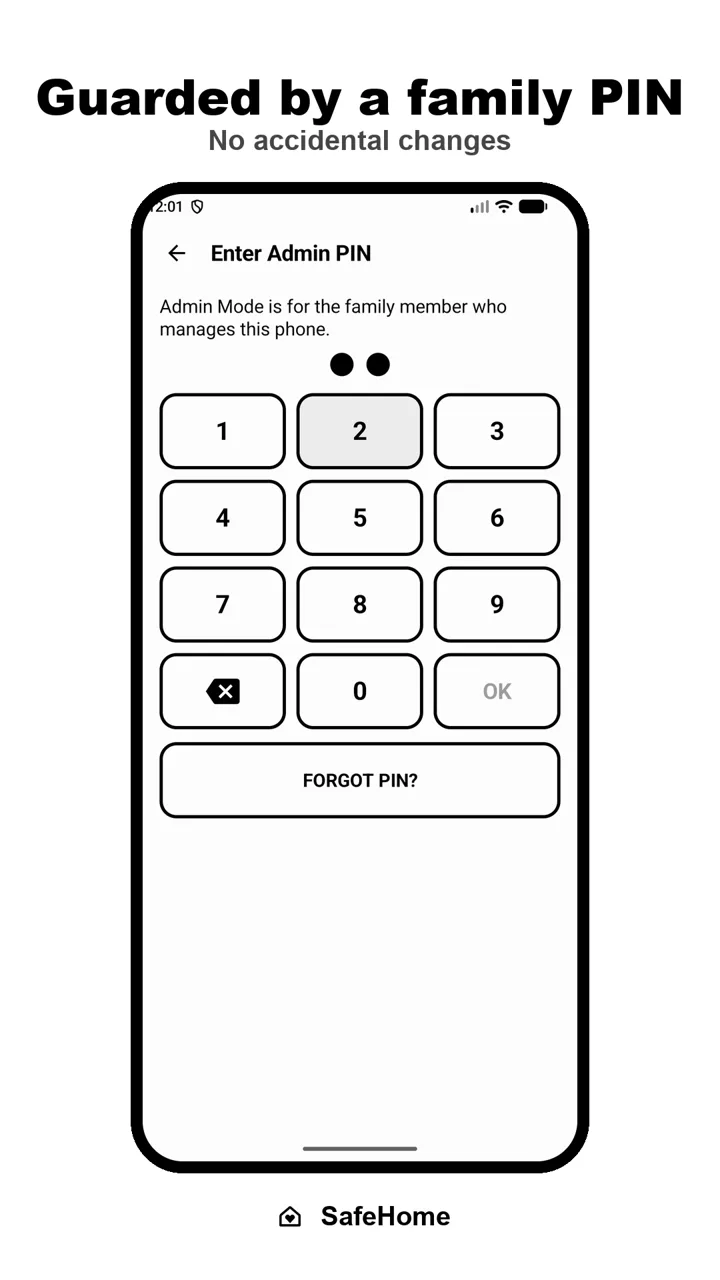
Admin Mode is protected by a family PIN, with a recovery code. Add contacts, approve apps, see daily steps and screened calls.
See it on a real phone.
Every screen is designed for low vision and shaky hands: high contrast, large touch targets and no hidden gestures.
Ready in five minutes.
Install SafeHome on your parent's phone and follow the setup. No account, no sign-up.
- Create a family PINOnly you can change settings. Keep the recovery code safe.
- Add trusted contactsPick them from the phone's contacts, with names your parent knows.
- Choose the apps they useWhatsApp, Camera, YouTube: only what they need.
- Turn on SOS and call protectionChoose who SOS calls, and how to handle unknown numbers.
- Make SafeHome the home screenDone. Pressing Home always brings them back.
Private by design.
SafeHome has no internet permission at all, so nothing about your parents ever leaves their phone. No ads, no tracking, no account. Read the privacy policy.
- No ads, ever
- No account or sign-up
- Works fully offline
- No data collected or shared
Questions families ask
Still unsure? These are the most common ones.
Which phones does SafeHome work on?
Any Android phone running Android 10 or newer. It works on Samsung, Xiaomi, Vivo, Oppo, Realme, Motorola, Pixel and others.
Can my parent still use WhatsApp?
Yes. You choose which apps appear on the home screen. WhatsApp, YouTube, Camera or any other installed app can be added as a big button.
How does the scam-call protection work?
SafeHome uses Android's official call-screening feature. You choose to allow all calls, silence unknown numbers, block them, or allow only trusted contacts. If the same unknown number calls twice within 3 minutes it is let through, so a genuine urgent call isn't lost. Emergency services are never blocked.
What happens if I forget the family PIN?
During setup you get a recovery code. Use it on the PIN screen ("Forgot PIN?") to set a new PIN.
Can we go back to the normal home screen?
Yes. Open Admin Mode with your PIN and choose "Leave Parent Mode". The phone's normal launcher comes back, and nothing is uninstalled.
Is it really free?
Yes, SafeHome is free to download, with no ads and no in-app tracking.

Give your parents a phone they can trust.
Free on Google Play for Android 10 and newer.
